
LIGHTING & ATMOSPHERE
Isometric Lighting
Plugin for Unity URP
Bring light, shadows, and fanciful colors to your isometric RPG!
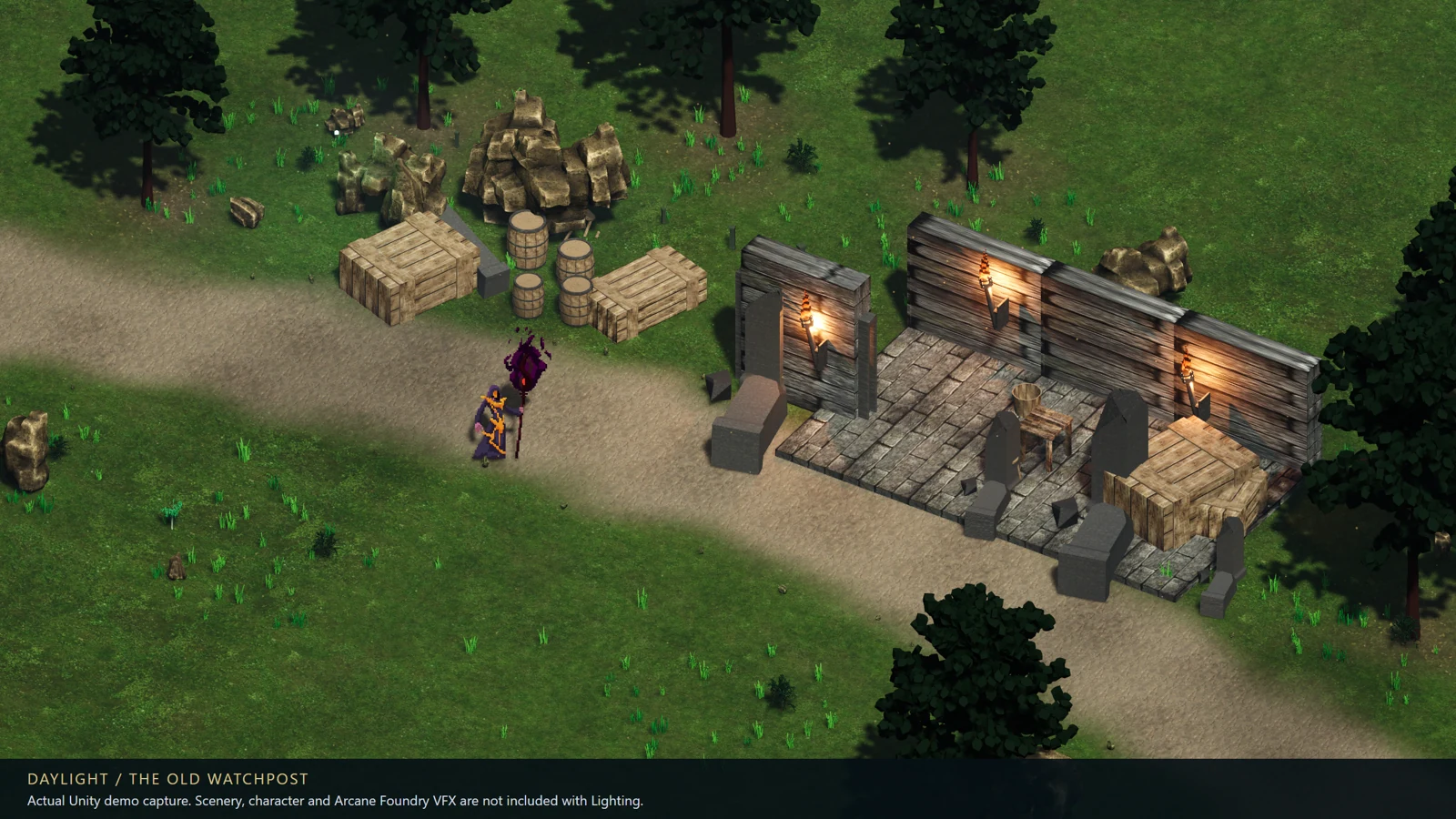
Actual Unity player capture. Promotional scenery, characters and spell VFX are not included.
WHAT ARRIVES IN YOUR DOWNLOAD
Inside the package.
Lighting 1.0.2 is a ZIP with a .unitypackage, installation notes, direct-purchase license, third-party notices, package checksum and offline guides.
Included
- Editable C# and shader source for lighting, sprite shadows, contact patches and optional atmosphere.
- Guided scene setup and a separate, explicit atmosphere installer.
- Editable profiles, JSON presets, nine visual styles and four atmosphere quality tiers.
- Original SurfaceShowcase, DungeonShowcase and LightingPlayground technical samples.
- A generic transient-light API for your own abilities; no Arcane Foundry dependency.
- Start Here, compatibility, atmosphere/magic, JSON, performance and licensing guides.
Not included
- The richer promotional scenery, character sprites or private demo scenes shown in the gallery below.
- Arcane Foundry spell VFX, Camera Toolkit, audio or a complete game.
- Character movement, combat, networking or custom integration work for your project.
- A standalone executable, automatic normal-map generation or certification for other pipelines/platforms.
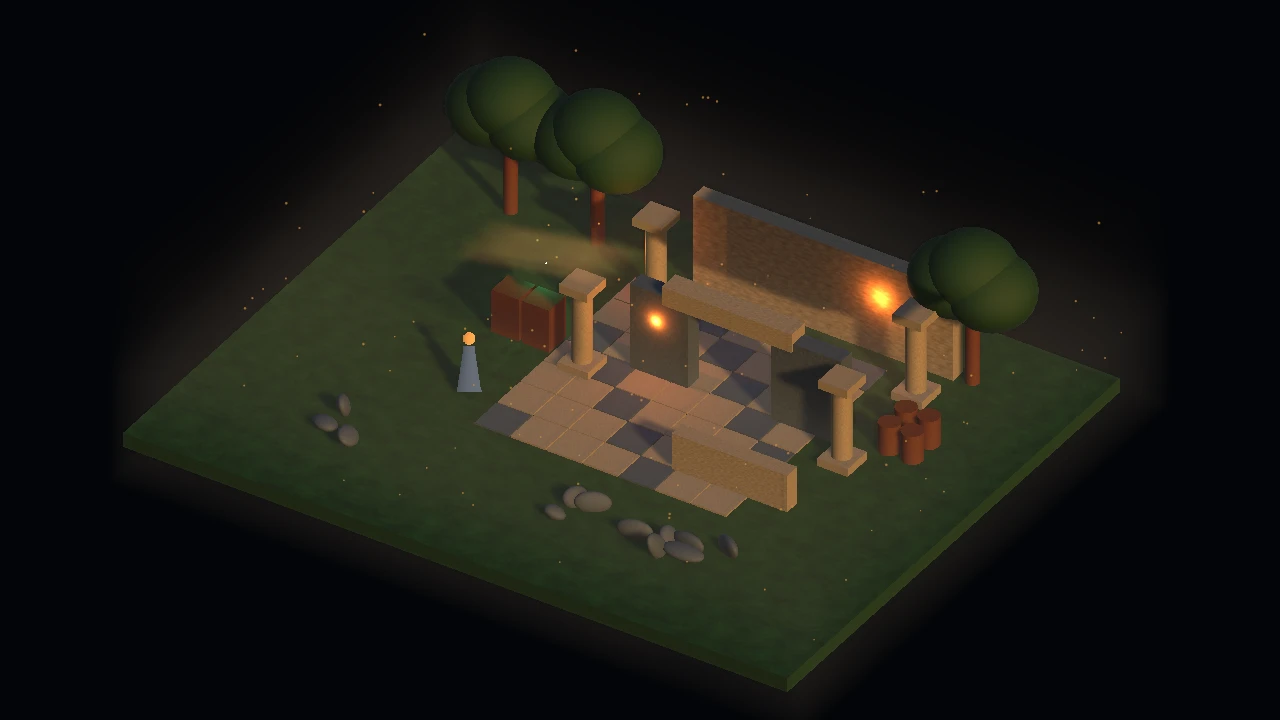
First step after import: open Assets/IsoLighting/START-HERE.asset. Open a showcase and explicitly select its sample pipeline for the active quality before Play. Import alone does not install dependencies or change project settings; restore the previous quality pipeline when returning to your project.
WATCH THE INCLUDED SAMPLE
What atmosphere adds.
Optional atmosphere off and on in the technical sample included with Lighting.
Bring light, shadows, and fanciful colors to your isometric RPG!
IsoAssets Isometric Lighting brings configurable lighting to Unity URP projects, inspired by classic CRPGs, but modernized to fit contemporary games. Combining sprite characters with 3D environments, build beautiful environments of any mood and adjust the lighting to suit your own art.
Characters, scenery and atmosphere
Give sprites directional illumination with paired normal maps, sprite-alpha shadows and ground contact patches. Add practical lights to your scene, guide moving lights around colliders, and fade selected foreground meshes when they obscure the character.
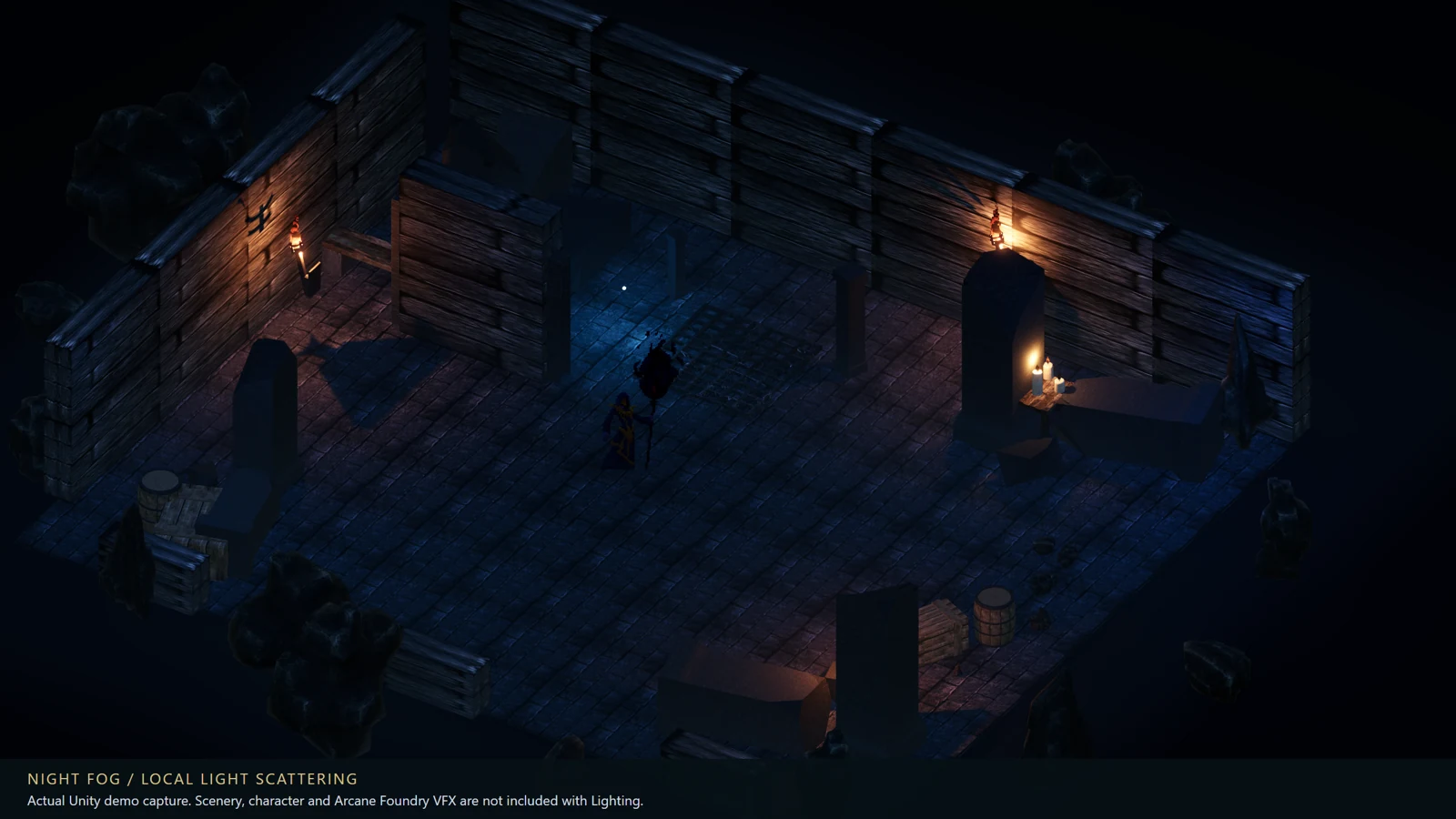
Layer optional god rays, height fog, local mist, cloud and canopy shadow masks, illuminated dust and bloom. Turn effects on individually and choose Minimum, Standard, Enhanced or Ultra atmosphere quality, independently of your visual style.
Magic that lights the world
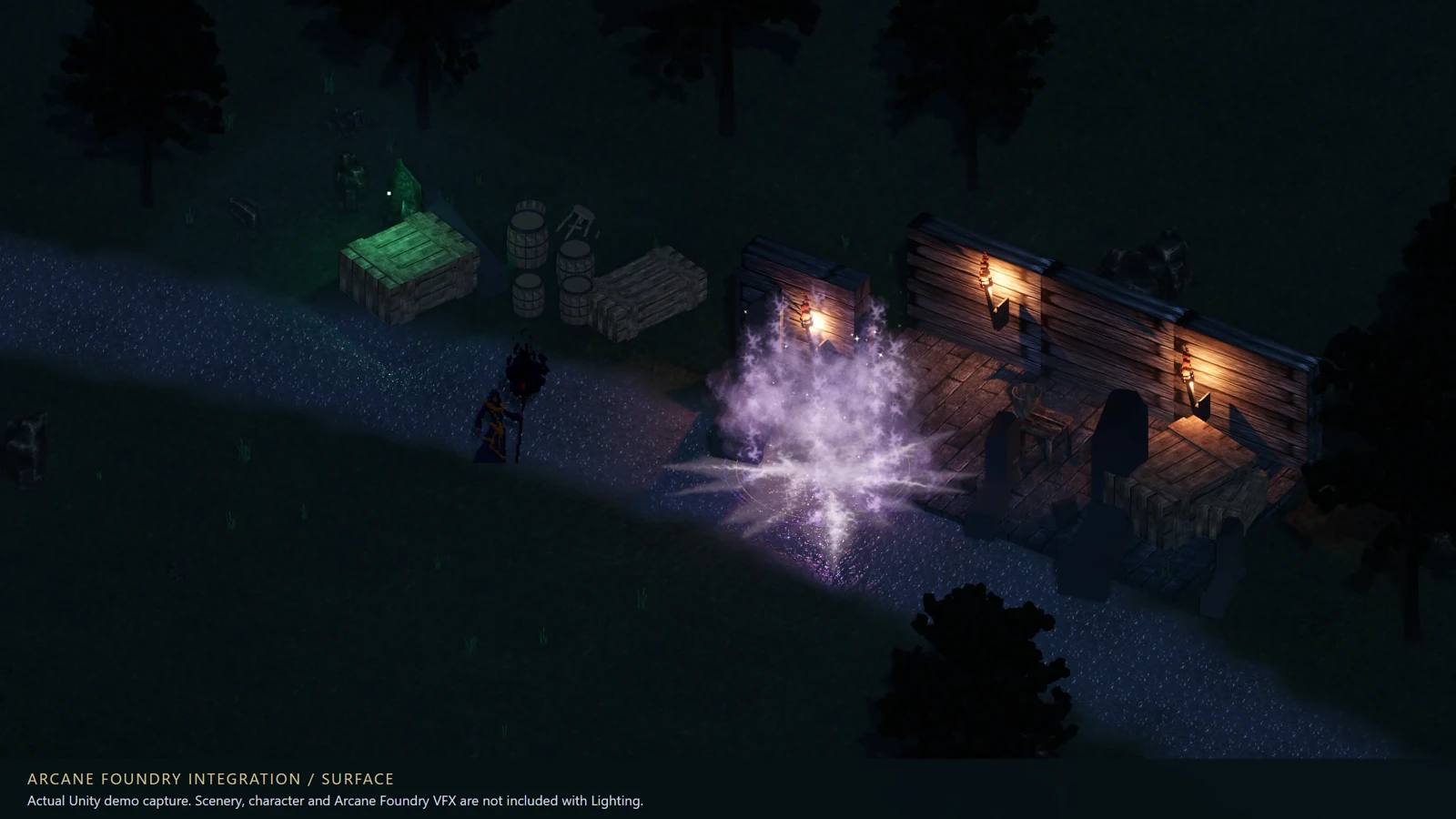
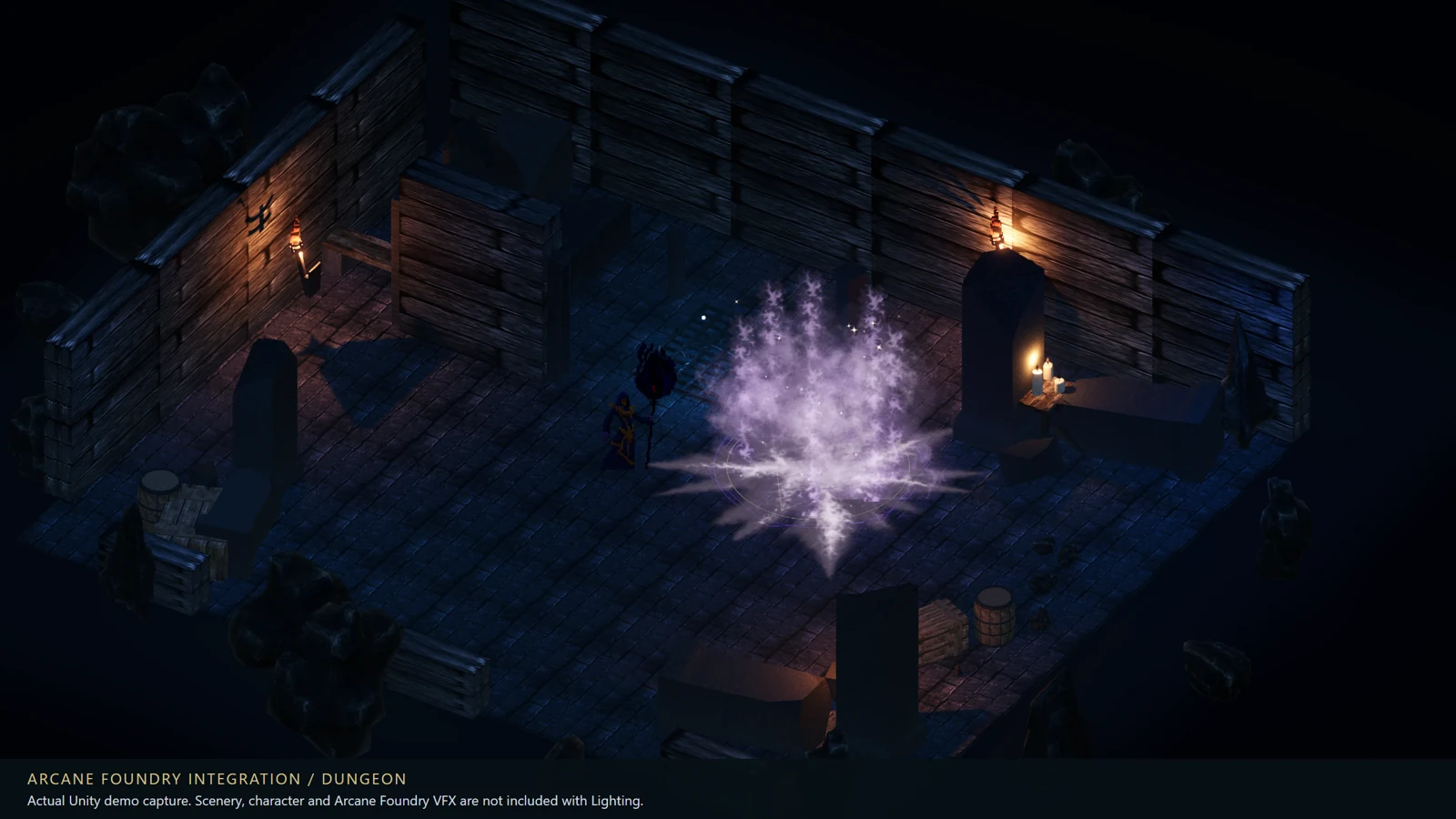
Use the generic transient-light API for gathering, shimmer, impact and afterglow. Connect it to your own abilities and effects. Arcane Foundry is shown in the promotional demos as an integration example; it is a separate product and is not required.
Make it your own
Edit presets in Unity or export and validate JSON using stable scene IDs. Control lighting profiles, local lights, atmosphere and transient-light settings. Editable C# and shader source, setup tools and offline documentation are included.
Try the included surface and dungeon technical showcases with free exploration, demo routes and a sample light pulse. These use original technical fixtures so you can test the system without purchasing another art pack.
Verified setup: Unity 6.3 LTS and newer (tested 6000.3.27f1 and 6000.6.7f1), URP 17.3+ (tested 17.3.0 and 17.6.0), Universal Renderer Forward+, RenderGraph, Linear color, Windows x64 / Direct3D 12. See Technical details for integration limits and uncertified configurations. Your game controls overall rendering quality; no minimum-device or guaranteed frame-rate claim is made.
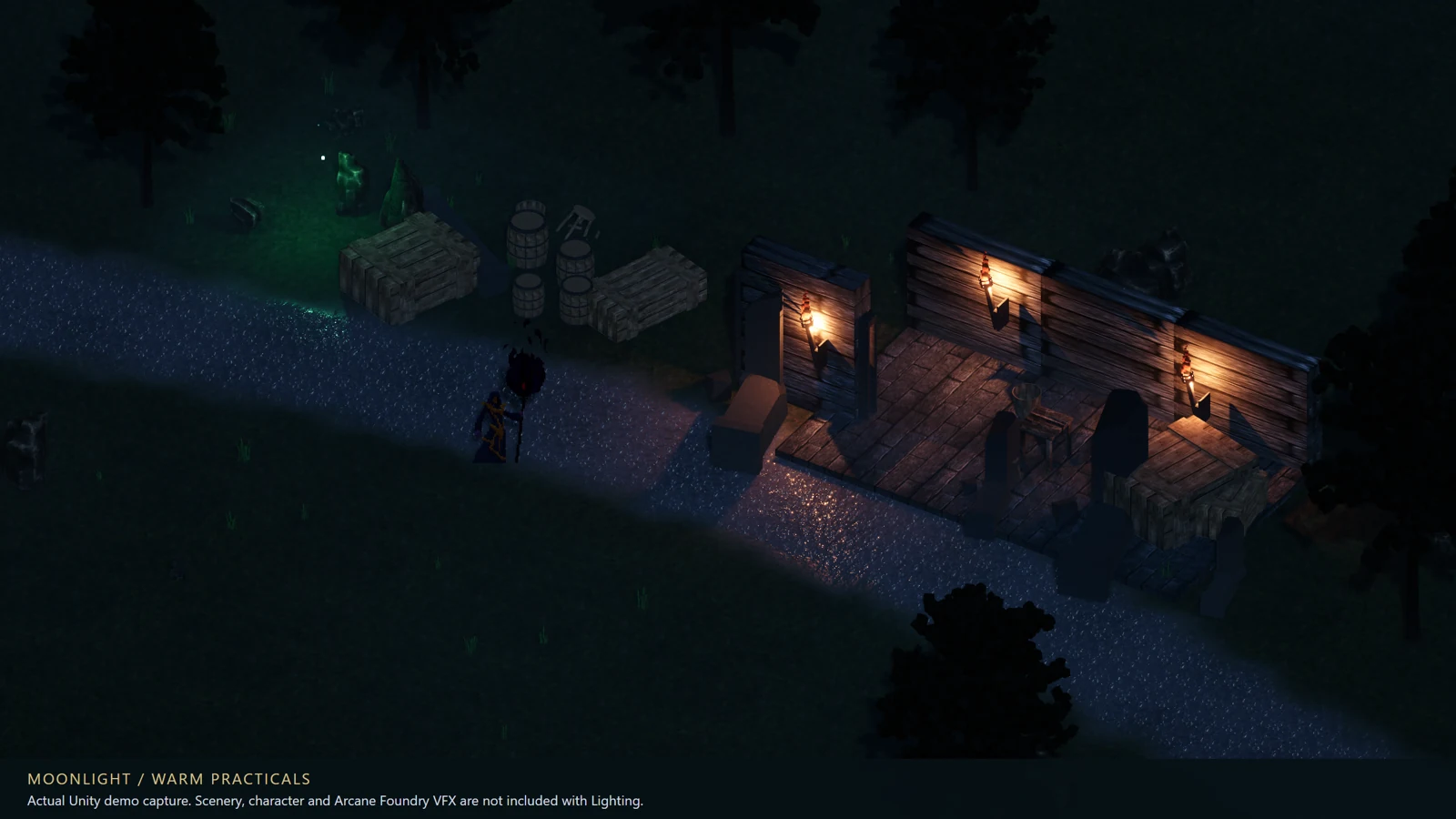
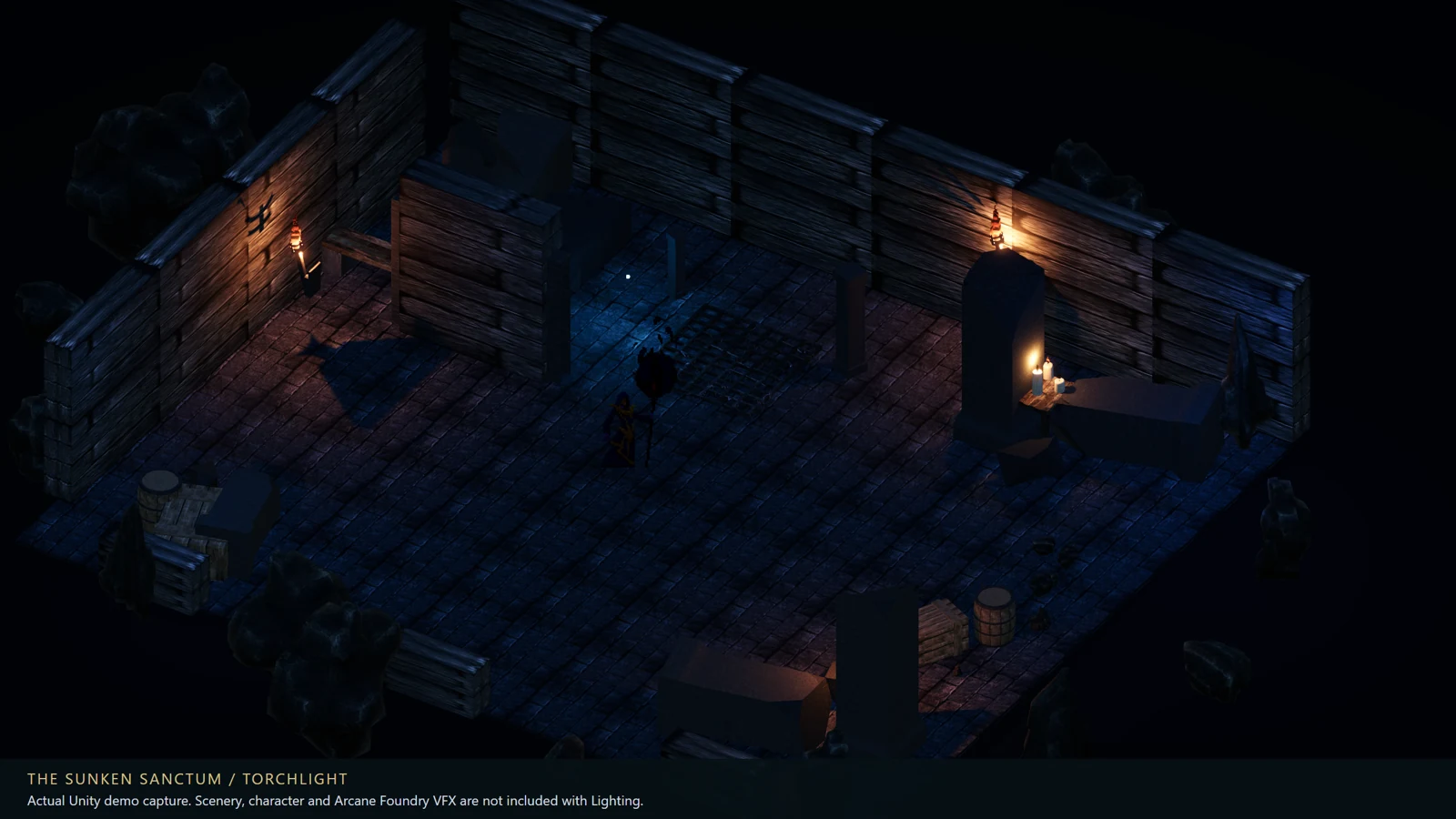
Promotional screenshots show separate private demonstration scenes. Their environment art, character sprites, complete private scenes and Arcane Foundry spell VFX are not included with Lighting. This package supplies the lighting system, documentation and original technical samples.
Compatibility & integration limits
Verified: Unity 6.3 LTS and newer (tested 6000.3.27f1 and 6000.6.7f1), URP 17.3+ (tested 17.3.0 and 17.6.0), Universal Renderer Forward+, RenderGraph, Linear color, Windows x64 / Direct3D 12. Built-in, HDRP, URP 2D Renderer, deferred, XR, camera stacking and other versions/platforms are not certified.
One lighting owner per loaded environment; additive scenes and multiple cameras require integration. Transparent surfaces do not fully occlude fog. Contact patches are floor-aligned. Foreground fading targets selected URP Lit meshes; packed/rotated sprite atlases require verification. Insufficient shadow budgets can leave sources unshadowed. No guaranteed frame rate or minimum-device claim.
No Arcane Foundry, Input System or Cinemachine dependency. Import does not install dependencies or change project settings. Renderer installation and sample pipeline selection are explicit actions.
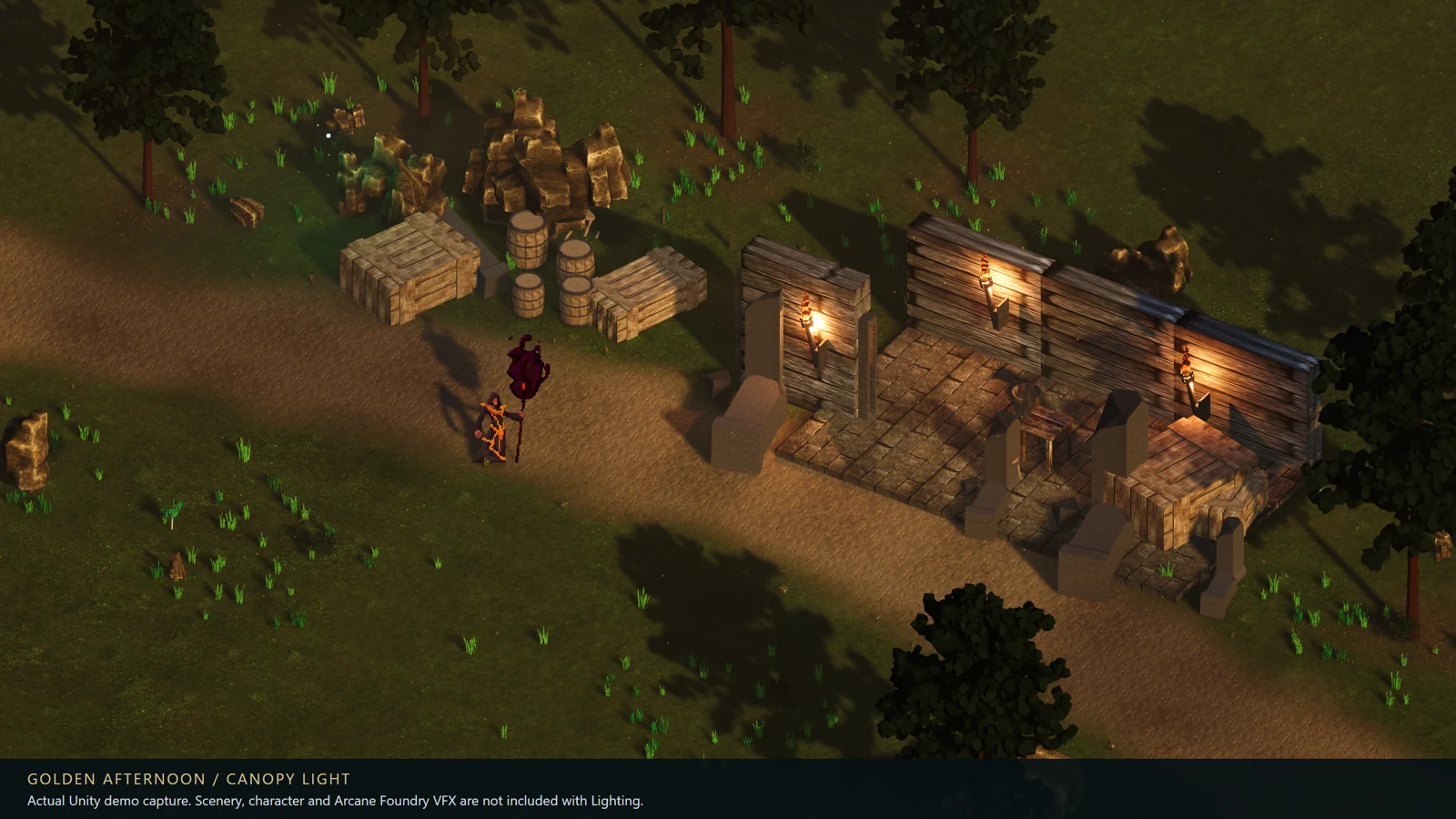
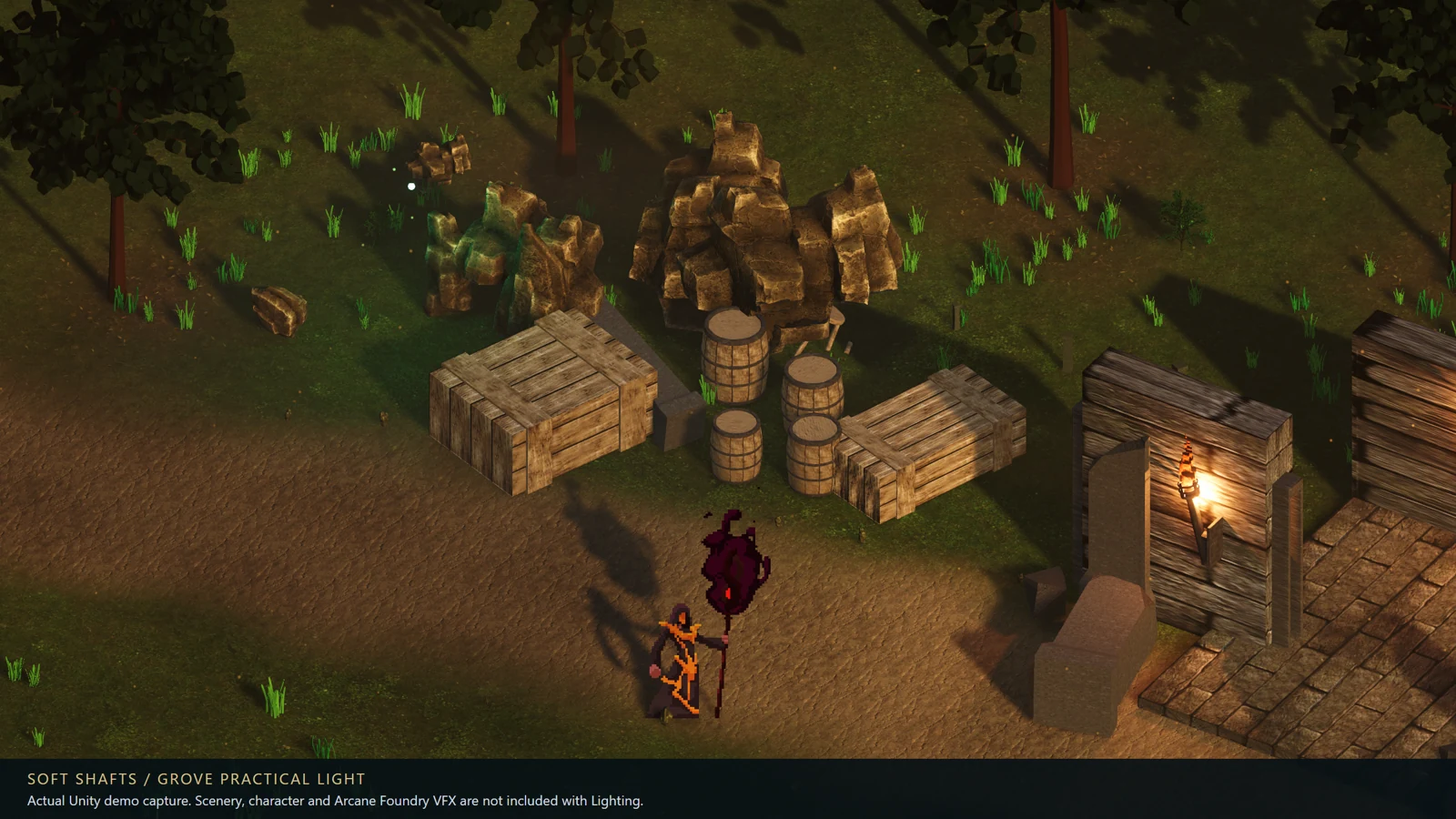
FROM DAYLIGHT TO DUNGEONS
The system in a scene.
Actual player captures from separate promotional demos. The package contains original technical sample scenes, not these environment or character art packs. Click an image to inspect it.
Before you purchase
What is included?
Editable C# and shader source, setup tools, schema-1 JSON presets, offline documentation, original surface and dungeon technical showcases and a technical playground. Nine visual styles and four atmosphere tiers. No complete game, audio, executable, third-party environment/character art or spell collection.
Does this work without Arcane Foundry?
Yes. The generic transient-light API connects to your own abilities. Arcane Foundry is a separate optional product shown in some promotional captures.
What updates do I get?
Version 1.0.2 and any updates we release for this edition. Retrieve them through your original purchase link or verified email recovery. No fixed update schedule or future-product entitlement is promised.
How was it made, and whose art is shown?
AI-assisted code, shader, procedural sample and documentation development; publisher direction and iterative review. Promotional images are actual Unity captures, with no generated scene imagery or painted lighting. Scenery credits: Polygon Trees — Alebrijes Studio; Terrain Textures Pack Free — Objective Environment; Decrepit Dungeon LITE — Prodigious Creations; Free Rocks — Triplebrick; Stylized Dungeon Props Pack — Cobra Games Assets; Evil Wizard 2 — LuizMelo (CC0). These art packs are excluded. Adapted URP shader portions retain the Unity Companion License and upstream notices.